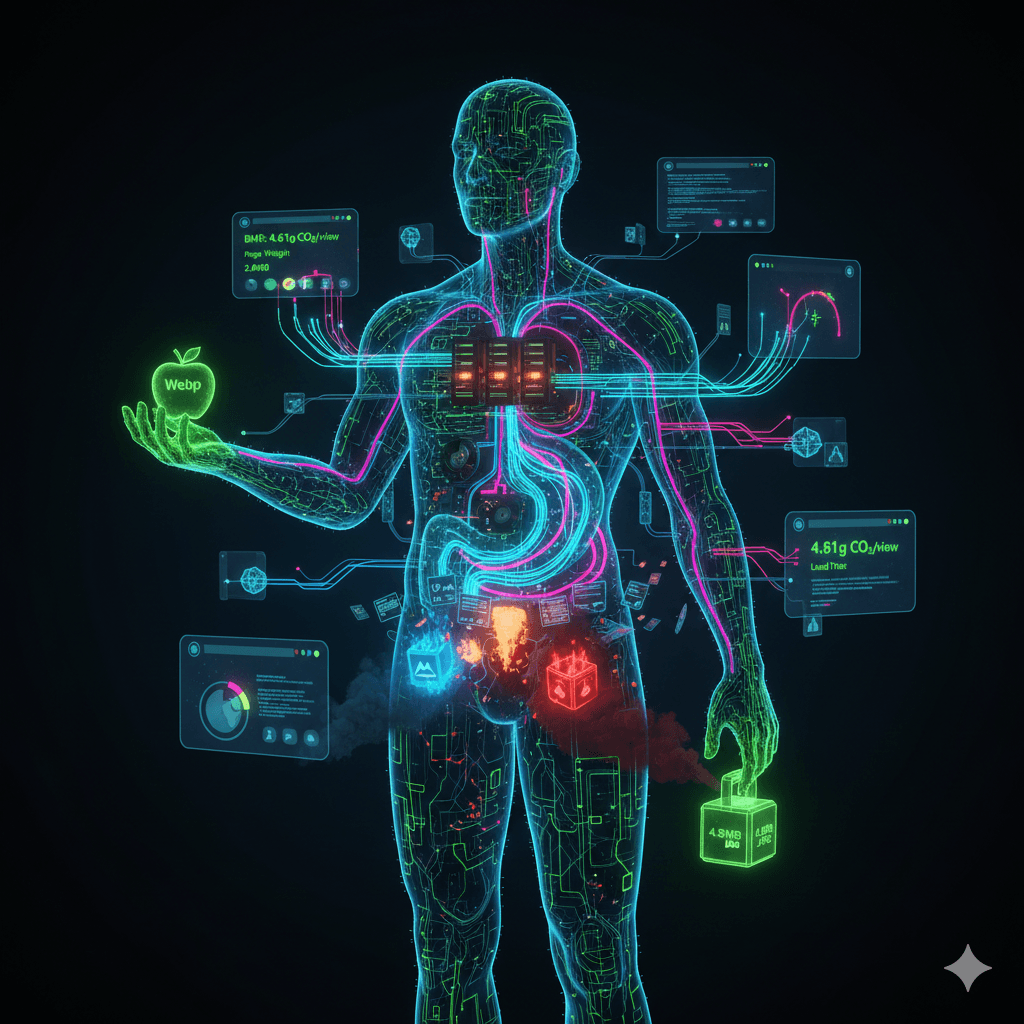
Digital Body Language: How Your Website Reads Visitors' Unspoken Thoughts

The secret to success in web design is understanding what users don't tell you. In real life, someone crossing their arms means "I'm keeping my distance." But what about the digital world? Mouse movements, rage clicks, scroll speed, and moments of hesitation — these are your users' digital body language.
The Mouse Cursor = The Eye
Research at Carnegie Mellon University revealed an 84% correlation between mouse cursor movements and eye gaze. Users essentially move their mouse the way they'd use a finger while reading a book.
This behavior is called "Pointer Assisted Reading." Users who consume content this way achieve their goals 3 times more often than average users — whether that's filling out a form or making a purchase.
What does this mean for you? Your website's design should account for the mouse's natural flow path. CTA buttons, forms, and critical information should be placed along this path.
Rage Clicks: How Users Scream Online
Rage clicking — when a user rapidly clicks the same spot repeatedly — is the digital world's equivalent of screaming. A button isn't working, a link is broken, or the page isn't responding fast enough.
A Microsoft case study on Bing found that 4% of users who used the search box exhibited rage clicking behavior. While this seems like a small percentage, it represents a massive problem when you consider millions of users.
Then there's the Dead Click: moments when a user clicks and nothing happens. Elements that look clickable but aren't — digital ghost doors. These silently erode user trust.
Research shows that 96% of users leave a site after a bad experience without ever complaining. If you can't detect rage clicks, you'll never know why you're losing customers.
Hesitation Maps: The "Should I or Shouldn't I?" Moment
The most valuable moment on your website is when a user hesitates. The mouse hovering between two buttons, pausing on a form field, lingering on the checkout page — these are all signs of digital indecision.
Reading these hesitation moments correctly can produce incredible results:
- ASOS cut their cart abandonment rate in half by removing the mandatory registration step from checkout.
- Expedia earned an additional $12 million annually by removing a single unnecessary field ("Company Name") from their payment form.
Random mouse movements are also an important indicator. When the cursor draws circles or moves aimlessly across the screen, it signals cognitive overload. Your page may be too complex, offering too many options, or simply overwhelming the user.
Scroll Psychology: Digital Patience Is Running Out
The average time to evaluate content on mobile is 1.7 seconds. Human attention span dropped from 12 seconds in 2000 to 8.25 seconds today. For reference: a goldfish has a 9-second attention span.
For Gen Z, it's even more dramatic — their average attention span is 6.5 seconds. When designing for this generation, every second is worth its weight in gold.
Scroll speed is also a critical metric. Fast scrolling means "this doesn't interest me," while slow scrolling means "I'm examining this." The point where a user stops scrolling entirely is the most valuable zone — place your CTAs and critical messages there.
This "attention economy" is a $2.3 trillion annual market. Equal to India's GDP — just for capturing and holding people's attention.
Turn Your Website Into a Mind Reader
Powerful tools exist to read this digital body language:
- Microsoft Clarity (free): Heatmaps, session recordings, and rage click reports
- Hotjar: User behavior analysis and feedback collection
- FullStory: Detailed session replays and error detection
- Mouseflow: Mouse movement tracking and form analytics
What can you do with these tools?
Use A/B testing to identify and fix hesitation points. For example, Streamline Metrics achieved a 36.3% increase in conversion rate just by changing a CTA button's text. In another study, reducing visual complexity on a page resulted in a 102% conversion increase.
The Ethical Line: Reading vs. Manipulating
Reading users' digital body language is a powerful ability. But like any powerful ability, it carries the risk of misuse.
Dark patterns — design tricks that guide users toward unwanted actions — represent the misuse of this power. Hidden subscriptions, confusing cancellation flows, manipulative countdown timers...
The fundamental rule of ethical UX design is simple: Read to understand users, not to manipulate them. Your goal should be to better serve the user's needs, not to force them into an action.
By 2030, the "Internet of Senses" vision will expand digital experiences to include touch, taste, and smell. These technologies will exponentially increase our capacity to read digital body language — but the ethical responsibility that comes with it will be equally enormous.
In conclusion, your website already "sees" your visitors' body language. The question is: Will you learn to read it? With the right tools and the right perspective, you can understand what your users aren't saying and deliver the experience they truly want.
Frequently Asked Questions
What is digital body language?
Digital body language refers to the nonverbal cues users express through mouse movements, click patterns, scroll speed, and hesitation moments on your website. By reading these signals, you can significantly improve user experience and conversions.
What does a rage click indicate?
A rage click occurs when a user rapidly clicks the same area multiple times. It typically signals frustration with a broken button, slow-loading page, or confusing interface element that needs immediate attention.
How do heatmap analytics work?
Heatmap tools like Hotjar and Microsoft Clarity visualize where users click, how far they scroll, and where they hover their cursor. This data helps you optimize page layout and identify UX issues.
Why does scroll depth matter?
Scroll depth reveals how much of your page users actually see. Low scroll depth suggests your content is not engaging or that key information should be moved higher on the page.
How can I improve website conversion rate?
Analyze user behavior data, optimize CTA button placement, improve page load speed, and eliminate friction points in the user journey to systematically increase your conversion rate.
Stay updated with digital trends
Subscribe to our newsletter for the latest digital marketing tips and trends.